Apple Watch Interval Haptics Too Weak to Feel
You are halfway through the hard interval, and the watch was supposed to tell you it flipped. You finish the rep, look down, and rest is already running. The tap happened. Your wrist was too busy to register it.
The timer can be the right one and the cue can still vanish. It is one short pulse, and during a sprint, a push-up, or a heavy grip that pulse has to get through a forearm that is already working. What changes it is the watch setting, how the band sits, and a warning that arrives before the boundary.
A single pulse gets lost in the effort
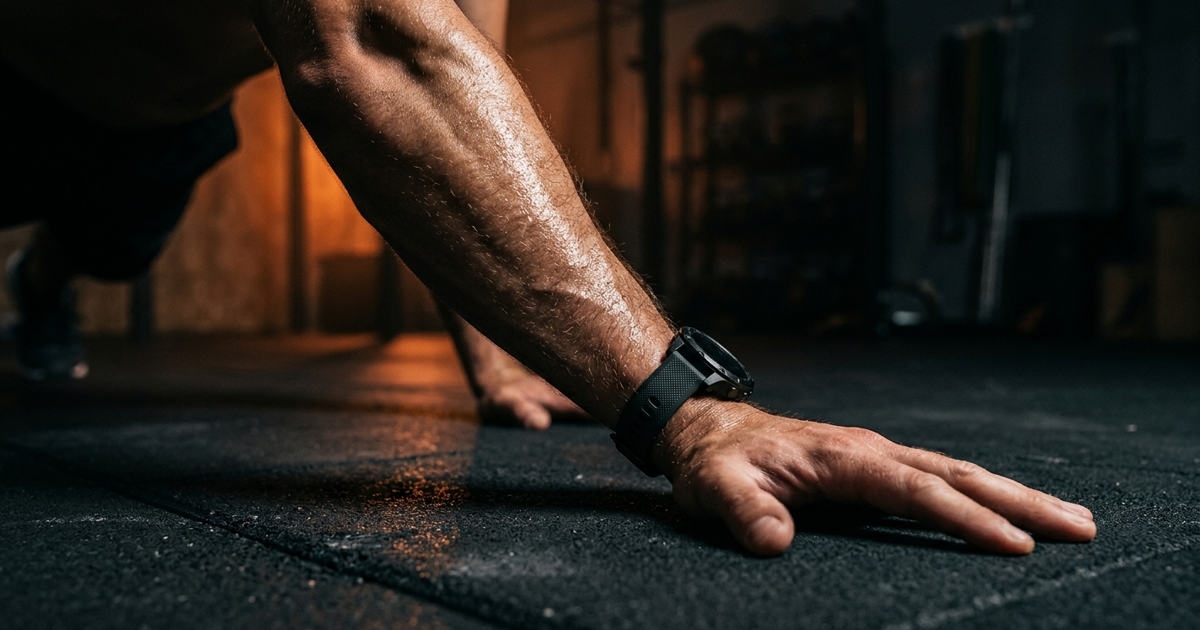
Standing at the bench, a wrist tap is obvious. In the middle of the set it is one more sensation on a forearm that is already loaded: grip, impact, sweat, the band shifting a little. The motor still fires. The skin contact that carries the pulse is what goes.
Apple's requirement is that contact. For the best haptic results, the back of the case has to stay on your skin, with a fit that is snug and still comfortable. A band you set before the warm-up loosens once you sweat, and the case lifts at the moment the interval changes. That is on Apple's volume and haptics page.
Silent Mode still lets haptic notifications through. The control that removes the taps is Haptics set to Off. Those are separate settings, and mixing them up feels exactly like a buzz that is too faint to notice.
Set Haptics to Prominent
On the watch, open Settings, then Sounds & Haptics, then Haptics. The choices are Off, Default, and Prominent. Off is a session with no wrist cue. Default is the single tap. Prominent adds an additional haptic tap that pre-announces some of your other haptic alerts. That wording is Apple's, from the same settings page.
Read it as a warning tap. It is not a stronger motor, and it is not a special buzz reserved for the last round. Apple says the extra tap applies to some alerts, so run one round of your actual workout and feel whether the interval cue picks it up. The same menu is on the iPhone: open the Apple Watch app, go to My Watch, and tap Sounds & Haptics.
Keep the case on the skin
Apple's fit check takes a few seconds. Shake your wrist, then turn your palm up. If the back of the watch loses contact with your skin, tighten the band. A Solo Loop or Braided Solo Loop should sit snug against the wrist. The test is in wearing your Apple Watch.
Do that check after you are warm. Sweat and a pumped forearm change the fit you chose in the kitchen. Then run a few rounds of the workout where you miss the cue. If you feel the tap between efforts and lose it at the bottom of the rep, the setting is already doing its job and the case is rocking off the skin under load. Slide the watch a finger-width up the forearm, above the wrist bone, and take the band in one notch. If you only feel the tap once the effort stops, that movement needs a second channel.
Put a run-up in front of the tap
The pulse that lands on the exact second of the switch is the one buried in the rep. You want the warning while you can still finish the rep and meet the next phase on time.
Peak Interval's voice countdown speaks the last seconds of an interval, so the change is a short run of words and then the tap. Leave the countdown on. Start the saved workout on the Apple Watch, so the pulse is on the wrist that is training. If the phone stays in a locker, pair the headphones to the Watch. What still runs once the phone is out of range is the checklist in using an Apple Watch interval timer without your phone.
The watch has no per-round haptic strength for a timer app. When the last effort should be marked, name that phase and let the voice say it, or put a short phase in front of the final work block so a cue arrives early. The tap stays the same strength. The warning gets earlier. Which words belong in that countdown is the setup in interval timer with voice.
A session that has to stay silent is a different build. Mute on purpose, set Haptics to Prominent, and shape the intervals so the length of each phase tells you which side of the boundary you are on. That is the silent interval timer. This one is for the workout where you can hear the countdown and you still miss the buzz.
When the forearm covers every tap
A braced forearm on a barbell, and a running stride that shakes the watch on every step, will hide a wrist tap after the fit is right. Use the spoken countdown in one earbud, or prop the phone where you can see the phase change, and keep the tap as confirmation.
Push-ups, burpees, and kettlebell work usually come back once the case stays on the skin and the countdown leads the change. If one exercise still swallows the cue, give that exercise the earbud.
Before the next hard round
Set Haptics to Prominent. Tighten the band until a shake leaves the case on your skin. Leave the voice countdown on, and start the workout from the Watch.
Run one hard round with your eyes off the screen. You should hear the last seconds, then feel the change. If you had to look to learn the interval ended, the warning is still missing.
Feel the change before you look down
Peak Interval counts down the last seconds and taps your wrist at each phase on Apple Watch.
Download Peak Interval