Fitbit Interval Alerts That Never Fire
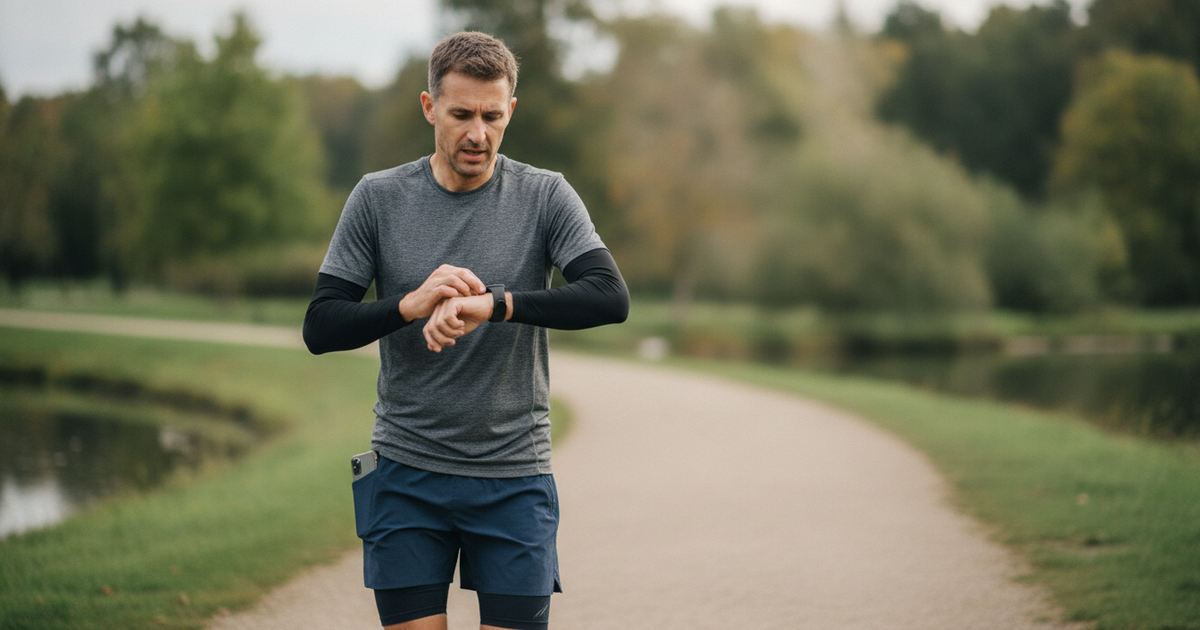
The workout is already running. Heart rate shows up when you glance at the band. The hard minute ends, and the wrist stays quiet. The phone that usually calls your intervals is in a pocket, which is a poor place for a cue you have to look at.
A Fitbit Charge will keep that exercise file either way. The vibration that marks the change from work to rest belongs to one exercise, Interval Workout. A plain Run stores the session. The per-cycle buzz is the other tool.
Start Interval Workout
On a Charge 5 or Charge 6, swipe to the Exercise app and swipe up through the list. The exercises you used most recently sit at the top, which is how Google's workout page describes those two bands. Open Interval Workout. A Fitbit moderator, on the Charge 5 vibration thread, said that shortcut vibrates every time it cycles between work and rest.
A Charge 6 owner who wanted a run, a walk, and a set number of repeats found the timings one screen down. Open Interval Workout and swipe up to Set Intervals. That is the path they posted on the Charge 6 interval thread. On the Charge 5, the user manual calls the same control Interval: the move and the rest used during interval training. Swipe up through the exercise settings, set both sides, then tap play.
If Interval Workout is missing from the band, add it in the Google Health app. At the top left, tap Connections, then your device, then Exercise Shortcuts, then Add. The Charge 5 manual still caps that shortcut list at six, so a full list means removing one before the new exercise will fit. The manual's own route to that list is the Today tab, your profile picture, the Charge 5 tile, then Exercise Shortcuts. Sync the band, then start Interval Workout from Exercise.
A buzz can belong to the heart-rate zone
During any exercise in the Exercise app, the Charge 5 manual says the band vibrates when you enter a heart-rate zone. One buzz is fat burn, two is cardio, and three is peak. Those mark how hard the effort is. They arrive a few moments after the zone changes, on a Run the same as on Interval Workout.
Auto-pause is a second buzz with its own job. Google's workout page says that, on devices which have it, the band vibrates when tracking pauses because you stopped moving, and again when it restarts. On the Charge 5 and Charge 6 the switch sits in the Run settings: open Run, swipe up, and tap Auto Pause. A buzz at a crossing is that pause, once the switch is on.
Feel the band once while you are standing in the rest you programmed. That buzz is the interval. The one that arrives as your heart rate climbs is the zone.
Turn off Do Not Disturb first
One Charge 5 owner started an interval timer that stayed quiet through each cycle. Support told him the Charge 5 interval timer only vibrates after the last cycle. He then found Do Not Disturb was on. With it off, the Interval Timer vibrated on each cycle. He wrote that on the same Charge 5 thread.
Google's alert page puts that check first for a Fitbit that did not alert you: turn Do Not Disturb and Sleep Mode off. On the Charge 5, Do Not Disturb mutes notifications, goal celebrations, and reminders. Sleep Mode mutes those too, dims the screen, and leaves it dark when you turn your wrist. Those two modes are on how to navigate a Fitbit.
The alert page lists one extra switch, Exercise alerts, for the Charge 3 and the Charge 4. Open Settings, then Do Not Disturb, then Exercise alerts, and workout notifications can still arrive while Do Not Disturb is on. On the Charge 5, the owner's fix was to turn Do Not Disturb off before the session.
When those modes are already off and the band is still silent, the same page sends you to a vibration-motor test. The Charge series is on that list. If the test fails, the page's last step is customer support. Vibration strength is a separate row in Settings. It changes how strong the motor is, which is the menu to open when you can feel a tap at your desk and lose it once you start moving.
Device lock is on the checklist as well. If a PIN is set, the page says the band needs to have been unlocked recently.
The timer and the workout will not share the band
A Charge 6 owner wanted a timer for intervals while a workout was already recording. The band would not leave Exercise for the timer. On that r/fitbit thread, one reply was to skip starting a workout so the timer stayed available. Another was to use the interval workout exercise.
Interval Workout is one move, one rest, and a repeat count, with the exercise record included. The timer on the band is the countdown you can open while Exercise is closed. A session made of different blocks, or a station you want named out loud, is a bigger clock than that pair.
Let the phone call the changes
Leave the band on a simple exercise when you want the heart rate and the summary. Put the interval clock on the phone. From a pocket, the cue has to be a sound.
Peak Interval is that clock. Set a preparation phase, then the work and the rest, and the next interval starts when the rest ends. Name the phase when the cue should say what comes next. The sound plays from the phone. The Fitbit keeps its own record.
The phone still has to cue you after the screen locks, or the pocket goes quiet for a different reason. The setting for that is in interval timer stops when the screen locks.
A tap on the wrist is an Apple Watch session. Peak Interval taps at each change when the workout runs on the Watch. The silent interval timer is that setup, chosen on purpose, with the Watch muted and one tap at each boundary. A Charge that recorded the workout and never marked the interval is the sequence above: Interval Workout, Do Not Disturb off, then the phone when one move and one rest is too small a session.
Before the next hard minute
Open Interval Workout. Set the move and the rest. Turn Do Not Disturb and Sleep Mode off. Run one cycle and wait for the buzz before you look down.
If the buzz arrives, the shortcut was the missing piece. If the session is several different blocks, leave the band recording and let the phone call the changes.
For the interval the band never marks
Peak Interval calls each phase from your iPhone, and taps your wrist when the session is on Apple Watch.
Download Peak Interval