Tabata Song vs a Tabata Timer
The track already knows the workout. Twenty seconds on, ten off, eight times, and a voice in the song tells you when to go and when to stop. You press play, you start the squats, and there is no timer to set up.
That holds until the same song comes around again, or you want the playlist you actually like, or the four minutes end and the rest of the session has no cue. A Tabata song and a timer app are for different sessions. Here is how to tell which one you are about to do.
A Tabata song is one protocol, pressed play
A Tabata song is a track built to a single clock. Twenty seconds of work, ten seconds of rest, eight rounds. Each round is 30 seconds, and eight of them is four minutes. Tabata Songs describes its catalog the same way: music written for that four-minute protocol, with each song telling you when to go and when to stop. The cue is part of the recording. You do not set a work interval, a rest interval, or a round count. You press play.
The same shape shows up wherever those files get shared. A four-minute track, a coaching voice or a beep on the 20 and the 10, then the file ends. Full access to the Tabata Songs catalog is an in-app purchase, and a free upload of the same idea is still one song and still one protocol. Changing the track changes the music. The 20/10 stays put, and a second block never appears.
When the song is the whole session
Use the song when the workout really is that one block.
One exercise, all eight rounds. Squats, mountain climbers, or the bike. Nothing has to announce a different movement, because the next round is the same movement. You are willing to hear that track, or another one built the same way. And you are done when the song is done. Four minutes, then you stop, stretch, or walk off.
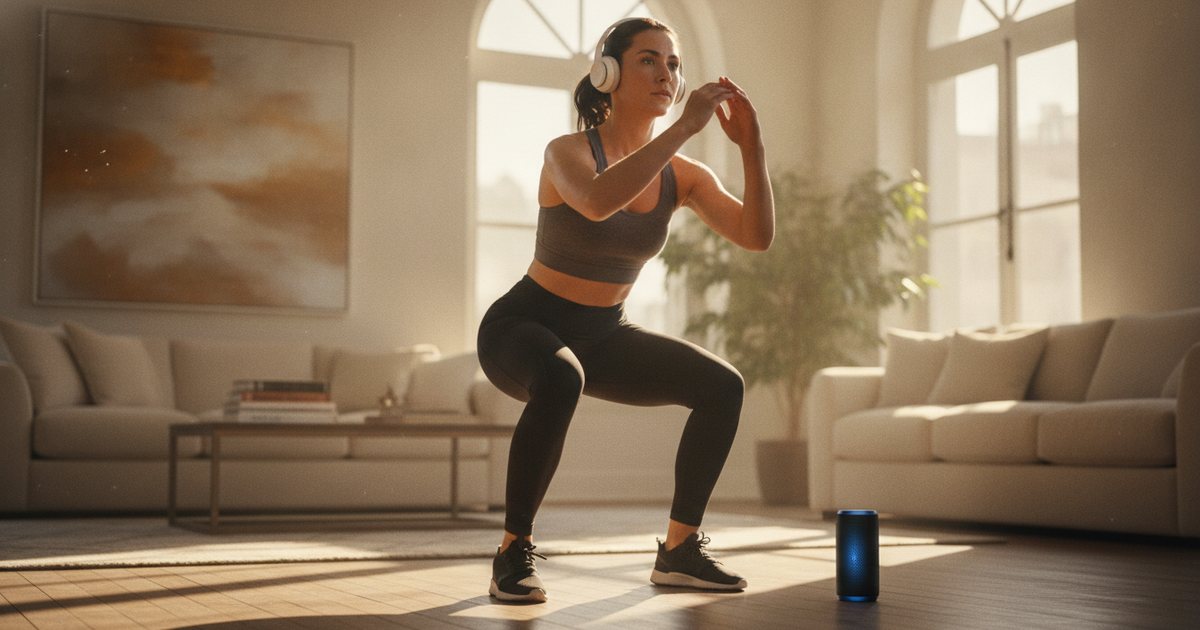
In that session a timer is extra machinery. The song counts the rounds, separates work from rest, and starts the moment you hit play. Headphones, or the speaker on the floor, and the phone can stay face down.
Where the baked-in cue stops being enough
Three sessions break the song, and they are the ones people try to stretch it into.
You are tired of the track. The go and the stop live inside the file, so a song from your own library has neither. Another track from a Tabata catalog is still the same 20/10 with a coaching voice on top. The day you want your playlist, the song can no longer keep the clock.
The workout is longer than four minutes. Eight rounds is one file. A second block, the same exercise again or a different one, needs a rest the recording does not contain. Say you want two minutes between blocks so you can stand up, switch exercise, and breathe. That gap is two minutes the song has already finished. Playing the file twice and estimating the pause is how the second block starts whenever you remember.
You want to change songs during the clock. A timer that plays its own sounds often takes the audio output, and the music stops. A Spotify forum thread is one person hitting that with every Tabata app they tried, and the reply there points at the timer playing a sound on each interval. A Tabata song sidesteps the pause, because the cue and the music are the same file. It also means a different playlist takes the cue with it.
The song cannot name the exercise either. Every round sounds like every other round. That works for eight rounds of one movement. Once the session has two movements, it is how the push-ups happen during the block you meant to be squats.
Run 20/10 over the music you already play
Keep the protocol. Let the music be whatever you pressed play on before the first round.
Set 20 seconds of work, 10 seconds of rest, and eight rounds. Put 10 to 15 seconds of preparation in front, long enough to start the playlist, seat the headphones, and get into the squat before the work starts. Work and rest need different sounds. Ten seconds of rest is too short to spend any of it deciding whether the beep meant stop or go. A short spoken countdown into the next effort cuts through a loud chorus better than one tone on its own.
Hearing both at once is its own setup. Interval timer with music covers how the cue and the playlist share one output, and what to change if you miss a transition. The question on this page comes first. The song stands in for the timer only while you accept its track and its single four-minute block.
In Peak Interval that block is one saved workout: a short prep, eight rounds of 20 on and 10 off, and a different cue for work than for rest. For a second block, add the rest you actually want between them and run the 20/10 again. Name each block after the exercise so the spoken cue can tell you which one you are in. Prep, round count, and why the two sounds should differ are in how to use a Tabata timer. You build it once. Next time you start the workout and play the playlist that is already queued.
If the headphones or the room speaker bury the beep, run the same workout on Apple Watch. A tap at the wrist arrives when a short tone loses to the chorus. The phone can stay with the speaker. The end of the 20 seconds does not depend on you looking up.
Match the tool to the session in front of you
Play the song for one exercise, eight rounds, four minutes, on a track you are happy to hear. That is a complete workout, and the setup is pressing play.
Use a timer over your own music when you want a different playlist, when the session is more than one four-minute block, when the next block is a different exercise, or when you want a cue you can feel with the volume up. The intervals stay 20 on and 10 off, eight times. Your music stays your music, and the timer is what knows the clock.
Run 20/10 over the playlist you already have
Peak Interval saves a Tabata block with a prep phase and separate work and rest cues, on iPhone and Apple Watch, so the song no longer has to carry the clock.
Download Peak Interval